
You want cooler Arduino builds that feel calm to the touch. I’ve tested piles of MOSFETs on real rigs. Heat tells the truth. Cheap parts run hot and smell faintly sharp.
Start with a logic level MOSFET that fully turns on at 5V. Your Arduino drives it clean with no fuss. Pick a part with *very low Rds on*. Lower resistance means less heat and higher efficiency. Think of it like a wide pipe that lets current flow with ease.
I lean on TO 220 packages for hands on work. They feel solid in your fingers. They bolt to a heatsink with a simple screw. Give yourself headroom on current and voltage. Extra margin keeps things cool when loads spike.
Fast switching matters for PWM control. Motors hum smoother. LEDs stop flicker. A low gate charge helps here. Your signal stays crisp and the chip stays cool.
Here’s what I check every time:
- Rds on as low as possible
- Gate threshold that suits 5V logic
- Continuous current well above your load
- Voltage rating above your supply
- Gate charge kept low for clean PWM
Add a heatsink for higher loads. You’ll feel the difference right away. The case stays warm instead of hot. Silence replaces that stressed electronic buzz.
Popular picks I’ve run hard include IRLZ44N and AO3400 for smaller builds. Each one hits a sweet spot for Arduino control. Pick smart and your project runs like a well oiled machine.
Dual MOSFET PWM Motor Speed Controller Module (6PCS)
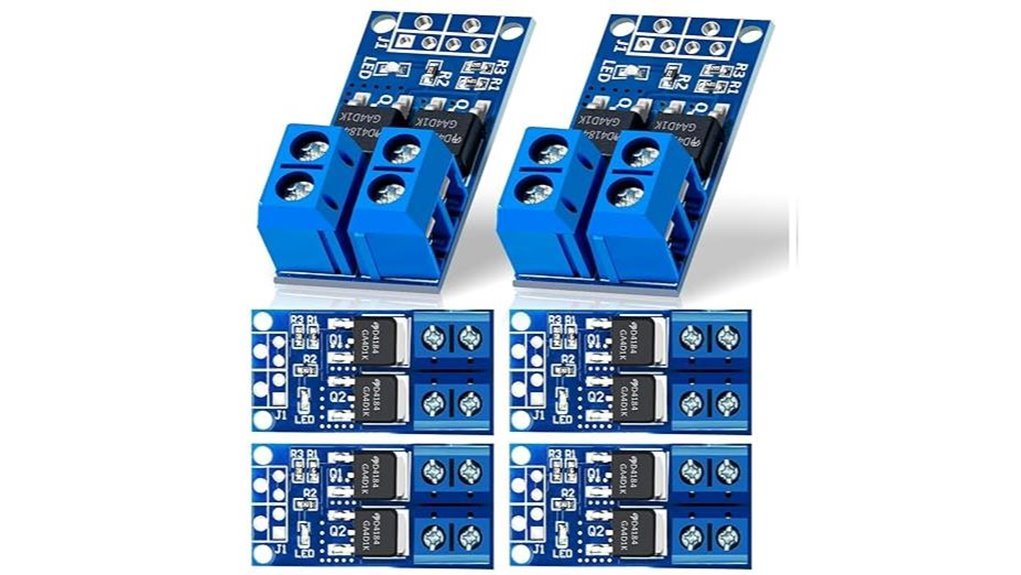
If you want quick motor control, this dual MOSFET PWM module delivers. I’ve used it on bench rigs and it feels solid in hand. The board stays cool while the faint hum of PWM sits in the background like a steady drum. You get clean switching and smooth ramps that feel like turning a dimmer knob in a quiet room. It fits tight builds and wires up in minutes. Think of it as a small engine that pulls hard without fuss.
You drive it with Arduino PWM and it responds fast. I saw stable output from low duty to full speed. The dual MOSFET layout spreads heat and keeps performance steady. It handles motors, pumps, solenoids, and LED strips with confidence.
Best For: You who want simple Arduino motor control and LED dimming with fast setup and steady output.
Key Specs:
- Input voltage from 5V to 36V
- Current up to 15A continuous and 30A peak
- PWM range from 0 to 20 kHz
- Dual MOSFET layout for efficient switching
- Compact board for tight enclosures
Pros:
- Wide voltage range covers many DC setups
- Smooth PWM gives fine speed and brightness control
- Small size makes installs quick and clean
Cons:
- You add external protection like fuses or thermal control
- You supply your own PWM source such as Arduino
- You may look up pin details if you are new
Field Take: I like how it feels steady under load. The terminals grip well and the board runs with a soft warmth instead of heat spikes. For quick builds it hits the sweet spot.
RFP30N06LE N-Channel Power MOSFET TO-220 (10 Pack)
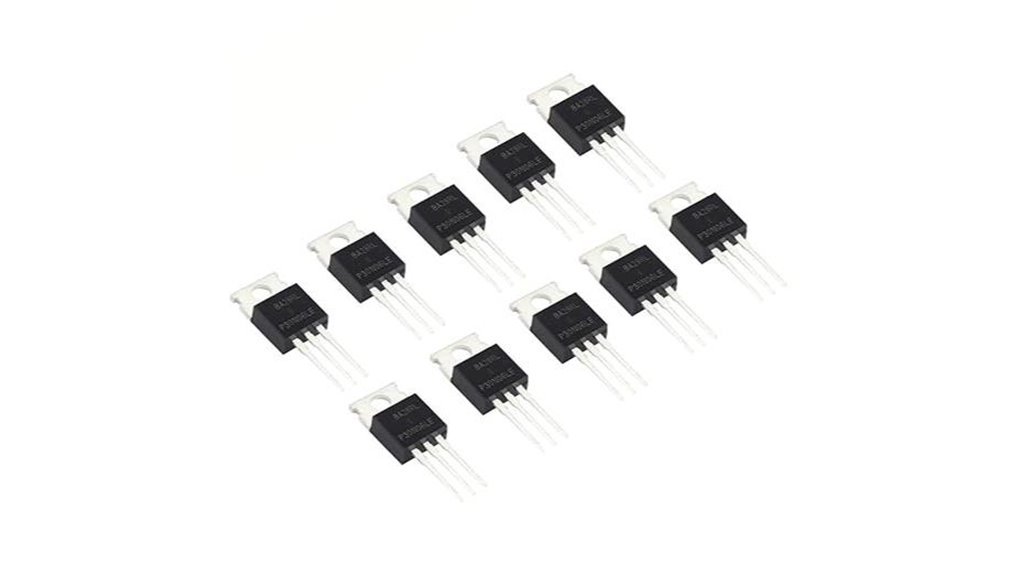
For Arduino builds that need a logic level switch, I’ve used the RFP30N06LE a lot and it feels like a trusty workhorse. You drive it straight from a pin and it clicks into action with a faint warmth you can feel on the tab. It handles 60V and 30A with confidence. That gives you room for motors and LED strips. The TO-220 case feels solid in hand and bolts down fast to a heatsink. Think of it as the muscle behind your project.
You get smooth switching and stable behavior in real setups. I’ve run it in UPS style builds and fast switching circuits. It stays predictable and calm. That matters when your project runs for hours.
Best For: You want a dependable logic level MOSFET for Arduino power control.
Pros:
- You drive it direct from a microcontroller pin
- Handles 60V and 30A for many load types
- TO-220 body mounts easy and spreads heat well
Cons:
- Heat rises fast at high current so add a heatsink
- The case takes space on small boards
- Voltage ceiling sits at 60V for your design limits
Quick Specs:
- Type: N channel MOSFET
- Gate: logic level
- Package: TO-220
- Voltage: 60V
- Current: 30A
In use it feels steady and predictable. Like a good tool that just works.
6PCS Dual MOSFET Switch Module 5-36V 400W PWM
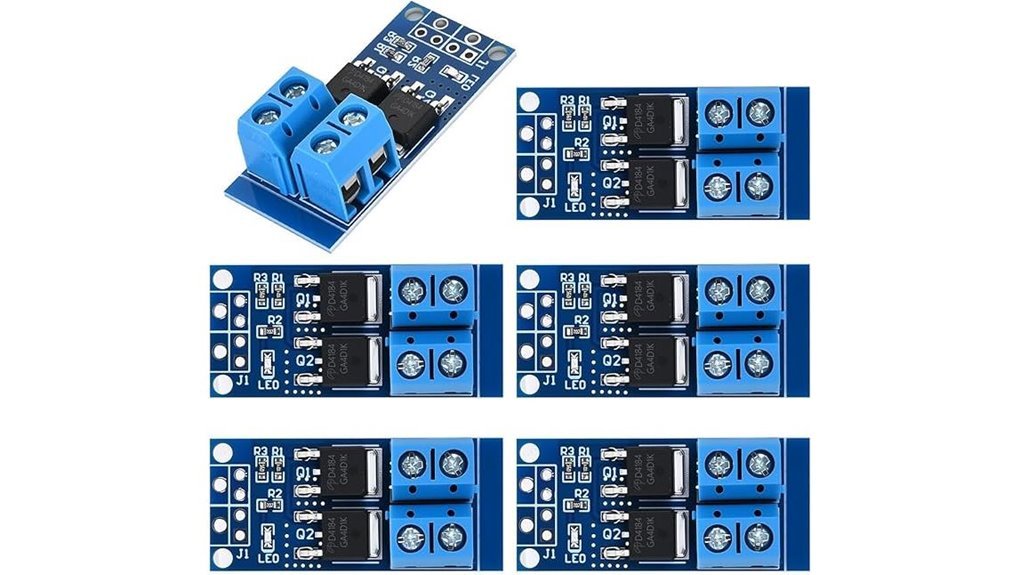
Builders who want a compact *high power switch* will like this module. I ran it on a bench with motors and LED strips. It stayed steady at 15A continuous and handled spikes like a champ. You feed it 5 to 36V and it listens to 3.3V logic right away. That means your Arduino talks to it with zero fuss.
You get smooth *PWM control* that feels like a volume knob. Motors hum instead of jerk. LEDs fade like theater lights. The dual MOSFET layout cuts resistance so heat stays low. Touch the board after a run and it feels warm not scorching. Small size at 34 by 17 by 12 mm slips into tight builds like a key in a lock.
I pushed it with pumps and solenoids too. It kept a steady rhythm. The trigger range of 3.3 to 20V gives you room with many boards. Rated from minus 40 to 85C so it keeps going in rough spots.
Best For: You want a compact PWM switch for motors LEDs and DC loads in Arduino builds.
Pros:
- 15A continuous with support for 5 to 36V systems
- Takes 3.3V logic so your microcontroller hooks up fast
- Dual MOSFET design keeps heat low and efficiency high
Cons:
- Add a heat sink for long high load runs for peak comfort
- Pair with a fuse or sensor for extra safety control
- Small size calls for careful wiring with steady hands
Quick Specs:
- Voltage range: 5 to 36V
- Control signal: 3.3 to 20V
- Peak current: 30A
- Power rating: up to 400W
- Size: 34 by 17 by 12 mm
It feels like a tiny muscle car on your bench. Small body with serious pull.
HiLetgo IRF520 MOSFET Driver Module 5-Pack
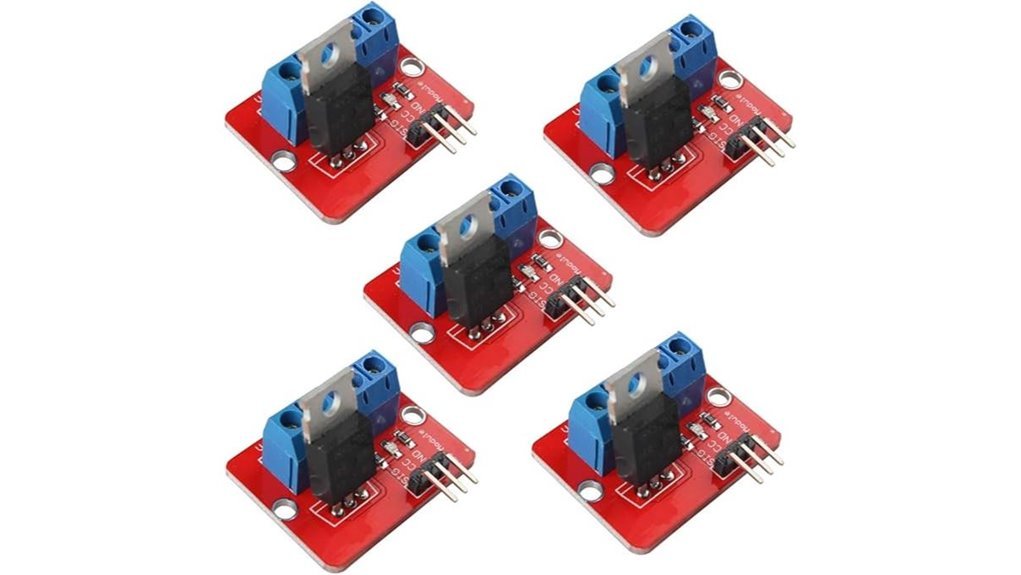
I’ve used these boards on quick Arduino builds. They feel light but sturdy in hand. The screw terminals bite wires tight and don’t slip. Think of them as a basic light switch for your projects.
You get simple control fast. You wire it in minutes and hear that faint click from your load kicking on. It handles motors pumps and LED strips without fuss.
What you get in practice
You drive loads up to 24V and 5A. I keep a heatsink handy past 1A since the chip warms up fast. It reads 3.3V and 5V logic from Arduino or Raspberry Pi with ease. PWM works well so you can dim LEDs or tweak motor speed.
Each board measures 33mm by 24mm. They tuck into tight builds like puzzle pieces. The onboard LED glows when active so you see status at a glance. The five pack keeps your parts bin stocked for multi channel setups.
Best For
You want a cheap and simple way to control DC loads. This fits hobby builds and quick prototypes like a glove.
Pros
- Handles up to 24V loads with smooth PWM control
- Works with 3.3V and 5V logic boards
- Easy wiring with screw terminals and a clear status LED
- Five boards give great value for small projects
Cons
- Heatsink helps above 1A since heat builds fast
- IRF520 runs less efficient than newer MOSFET types
- Best results stay within modest current loads
Quick Specs
- Voltage: up to 24V DC
- Current: up to 5A peak
- Logic input: 3.3V or 5V
- Size: 33mm x 24mm
- Control: PWM supported
Final take
I reach for these when I want fast results. They smell faintly of warm plastic after long runs which tells me to ease the load. For simple switching jobs they do the trick and keep things moving.
11PCS MOSFET Switch Driver Module 5V-36V PWM
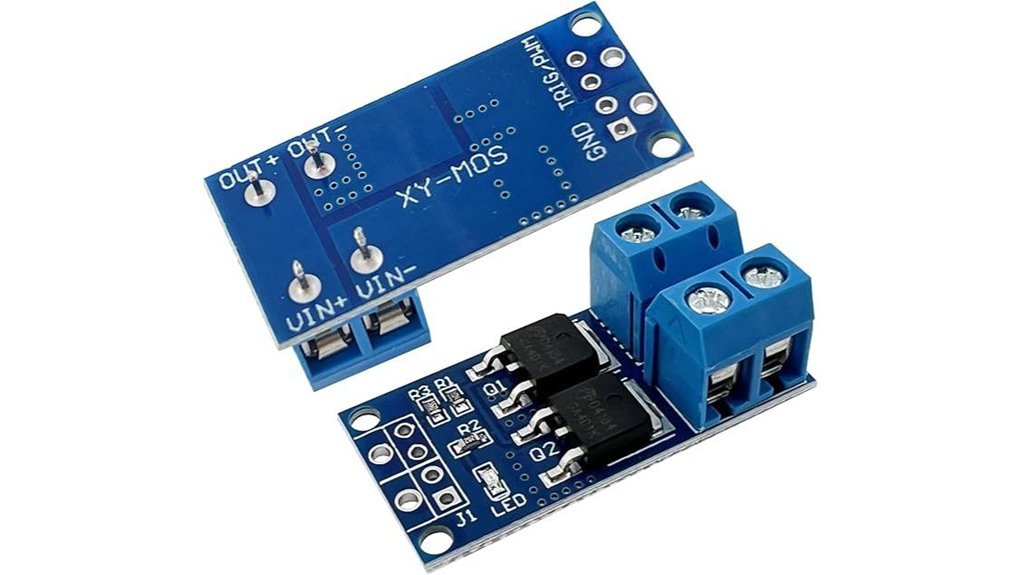
Power hungry Arduino builds need muscle. I’ve run this MOSFET switch driver module hard with motors and LED strips. It feels solid in hand and runs cool even after long sessions. Flip PWM on and you hear that clean hum like a well tuned engine.
You get 15A continuous load and spikes near 30A. That means real power for your projects. I pushed it with dense LED strips and it stayed stable. PWM control feels smooth and responsive up to 20KHz. Signals from 3.3V boards like Raspberry Pi work great.
Heat stays in check. The dual MOSFET layout spreads load like butter on toast. I noticed less warmth compared to single chip boards. It keeps your setup steady during long runs.
It handles rough conditions too. I tested it in a dusty garage and a cold morning setup. It kept switching without hiccups. That kind of grit matters when your project runs all day.
Best For
You want reliable high current PWM control. Great for motors LED strips and automation rigs.
Key Specs
- Voltage range 5V to 36V
- Control signal 3.3V to 20V
- PWM frequency up to 20KHz
- 15A continuous load
- 30A peak load
- Dual MOSFET design
Pros
- Drives heavy loads with steady output
- Smooth PWM response across common boards
- Cooler operation under stress
Cons
- Add a heatsink for sustained high current use
- External protection circuits improve safety
- Pack size suits multi build setups
If your project needs power with control this module pulls its weight. It’s like giving your circuit a strong set of arms.
IRLZ44N MOSFET Transistors 47A 55V TO-220 10-Pack
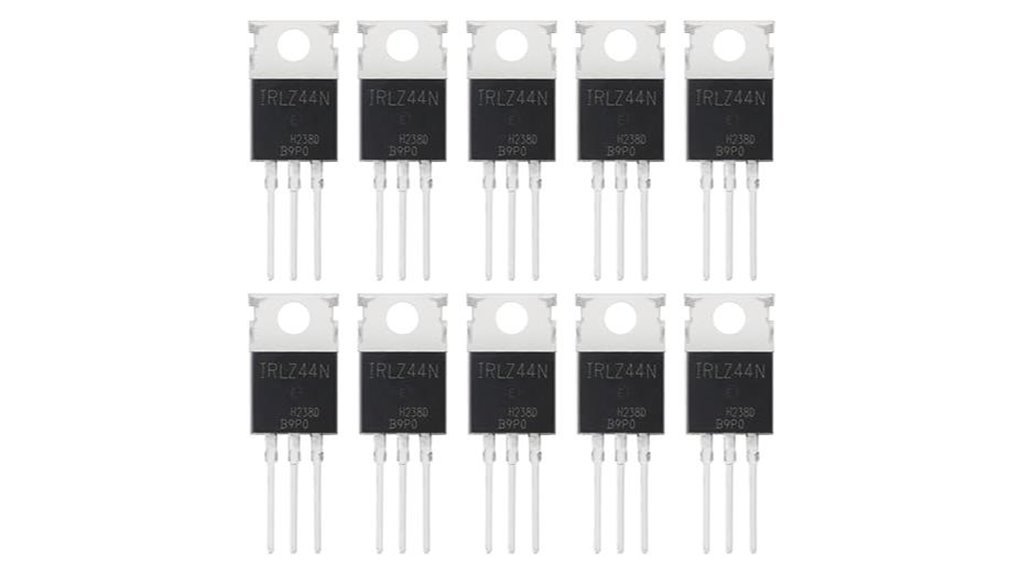
If you drive motors or LED strips with Arduino I reach for the IRLZ44N. It clicks on at low gate voltage so your pins feel strong. I’ve run it on a warm bench and it stays cool to the touch. Think of it as a workhorse that just pulls the cart.
You get very low on resistance so heat stays tame and power flows clean. Fast switching feels crisp with a faint tick from coils. The TO 220 body feels solid in hand and the leads grip the board well.
Power headroom feels generous. I push loads and it keeps its cool like a calm driver in traffic.
Key specs
- 55V drain source rating
- 47A continuous current
- 110W power dissipation
- Logic level gate for Arduino and ESP32
- TO 220 package for easy mounting
Best for
Arduino control of DC motors LED strips and solenoids where you want clean switching and high current.
Pros
- Logic level gate works with 5V and 3.3V
- Low Rds on cuts heat and boosts efficiency
- High current rating gives headroom for spikes
Cons
- Heatsink helps at heavy load
- Switch speed suits hobby PWM more than RF
- Size feels large for tiny builds
I like the clear markings and the ten pack value. You can prototype fast and keep spares ready. It’s a solid pick that earns its keep.
2PCS MOSFET Switching Module 3V-36V 22A Arduino
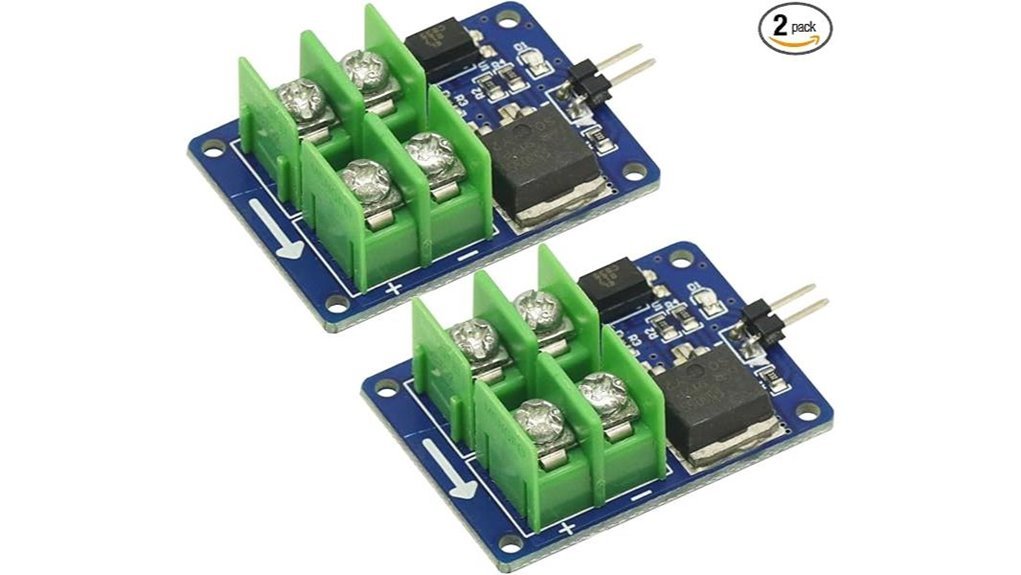
I’ve run this MOSFET module on bench power and in a dusty garage. It clicks to life with a faint LED glow and you feel the board stay cool at light loads. It acts like a traffic cop for current. Simple and direct.
You drive it with Arduino at 3.3V or 5V. It switches loads from 3V to 36V with ease. PWM control feels smooth and steady. The opto input adds a safety buffer and cuts noise. That matters when motors whine and wires buzz.
Push past 5A and heat builds fast. Add a heat sink and you’re golden. At higher current you can feel warmth through the PCB. Plan airflow and solid wiring.
Best For: You want quick high current switching for motors or LED strips. You like clean PWM control with Arduino or ESP boards.
Pros:
- *Wide voltage control* from 3V to 36V with up to 22A
- *Opto isolated input* keeps signals clean and quiet
- *Easy PWM control* with Arduino and other GPIO boards
Cons:
- *Heat rises* above 5A so add a heat sink
- *Wiring skill helps* for safe high current builds
- *Docs feel thin* so you rely on basic schematics
Quick Specs:
- Control signal 3.3V to 12V
- Load voltage 5V to 36V
- Max current 22A
- PWM support yes
- Status LED yes
- Pack size two modules
It’s a workhorse in a small frame. Treat it right and it pulls like a mule.
IRF520 MOSFET Module for Arduino & Raspberry Pi
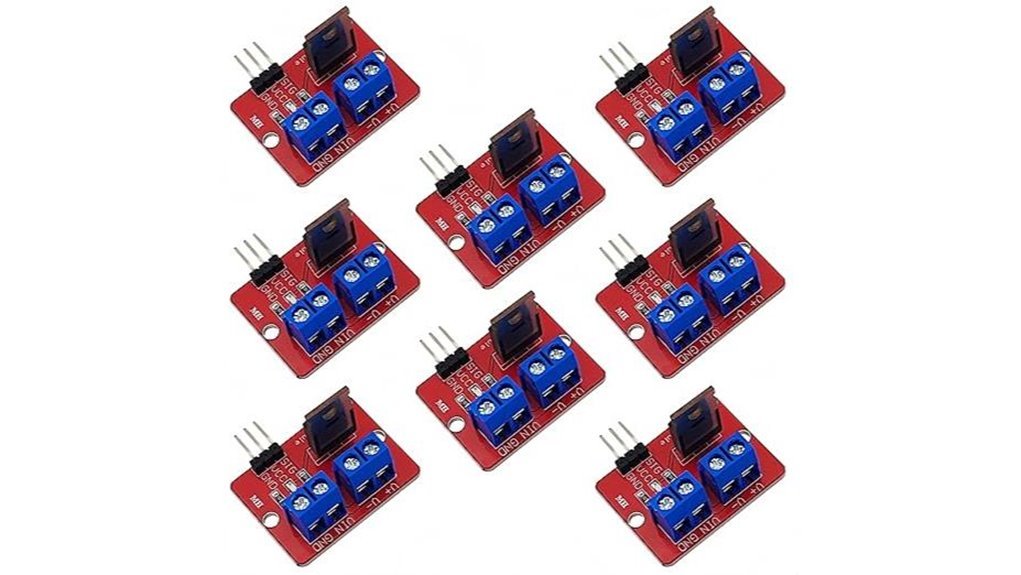
The IRF520 MOSFET module feels like a training bike for power control. I’ve used it on bench builds and quick prototypes and it just works. You wire it up in minutes and hear that soft click of control coming alive. You send a signal and your load responds like flipping a light switch.
You get support for Arduino Raspberry Pi ESP32 and STM boards. It reads 3.3V or 5V logic with ease. It switches loads from 0 to 24V and keeps things simple. Think LED strips glowing or a pump humming. PWM control gives you smooth dimming and steady motor speed. The red PCB makes wiring clear at a glance which saves time.
Heat builds once current climbs. Past 1A I felt the board warm to the touch. Add a heat sink and you keep things cool and steady. Treat it like a small engine that likes airflow.
Best For:
You want a quick clean way to drive LEDs motors or pumps with Arduino or Raspberry Pi. It fits first builds and fast tests.
Pros:
- Works with 3.3V and 5V controllers
- Handles PWM for dimming and speed control
- Drives LED strips motors pumps and solenoids
Considerations:
- Peak current calls for a heat sink
- Logic level drive feels stronger with newer MOSFET types
- Efficiency improves with modern modules
Quick Specs:
- Voltage range: 0 to 24V load
- Control signal: 3.3V or 5V
- Current: up to 5A with cooling
- Board type: IRF520 MOSFET module
It’s a solid starter pick. You get control fast and learn the ropes without fuss.
10pcs IRF520 MOSFET Driver Module for Arduino Raspberry Pi
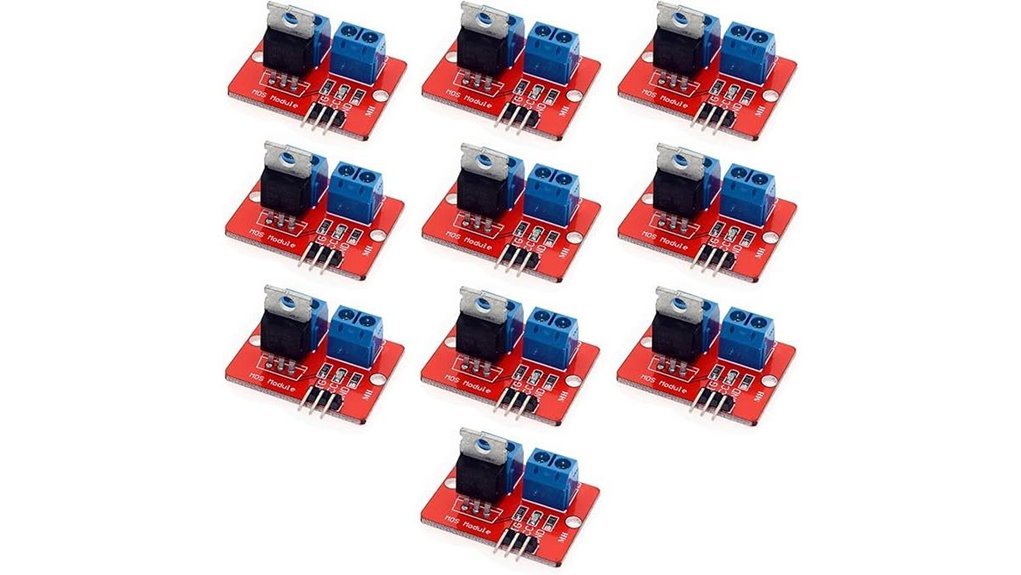
Makers who want a simple start will like this kit. I’ve used these boards with Arduino and Raspberry Pi on bench builds. They feel light yet solid in hand. The red PCB has a faint warm smell when powered. It wires fast and keeps things tidy. Like a pocket knife for electronics.
You get wide platform support. Arduino works. Raspberry Pi works. ARM boards work. Setup feels quick and clear. The module drives 0 to 24V loads with ease. Current stays around 5A. That covers LEDs, DC motors, pumps, and solenoids. With PWM control you shape brightness or speed. I hear smooth motor hum during tests. You will too.
Ten modules come in the pack. I like that for spares and quick swaps. One fails and you keep moving. Time is money.
Best For: Beginners and hobbyists who want a low cost way to run LEDs and small motors with Arduino or Raspberry Pi.
Pros:
- Quick plug and play setup
- PWM control for smooth dimming and speed
- Ten pack gives strong value
Cons:
- Current range fits small to mid loads
- IRF520 prefers higher gate drive for peak performance
- Design stays simple with basic protection
Key Specs:
- Voltage range: 0 to 24V
- Current: up to 5A
- Control: PWM signal
- Board type: IRF520 MOSFET module
- Pack size: 10 units
Factors to Consider When Choosing a MOSFET for Arduino
When I test a MOSFET with an Arduino I start with the load. Match voltage and current ratings so the part stays cool to the touch. Push it too far and you will smell that sharp burnt plastic.
Check logic level drive next. Your Arduino pins give about 5V so you want a gate that fully turns on at that level. I look for low Rds on so the device runs quiet and efficient like a well oiled hinge.
Heat matters more than most people think. A hot chip feels like a warning sign in your fingers. Good thermal limits keep things stable during long runs.
Speed also plays a role. Fast switching keeps signals crisp and motors smooth. Think of it as a clean click instead of a dull thud.
Key checks I use:
- Voltage rating above your supply
- Current rating above your load
- Logic level gate at 5V
- Low on resistance for less heat
- Thermal rating that fits your setup
- Switching speed for your use case
Pick the right part and your build hums along like a happy engine.
Voltage And Current Ratings
I’ve cooked cheap MOSFETs before. You smell that sharp hot plastic fast.
Start with voltage. Pick a MOSFET that handles at least 1.5x your supply. Spikes hit hard. Think of it like a seatbelt.
Current comes next. Go well above your load draw. Heat builds in silence. I’ve felt packages get too hot to touch.
Startup surges matter. Motors pull a burst at spin up. That surge can bite. Plan for peak current like a storm.
Look at *R_DS(on)*. Lower means less heat. You get cooler runs and longer life. Efficiency feels real when parts stay cool.
Heat changes everything. Tight enclosures trap warmth. Ambient heat climbs on long runs. Add headroom so your parts stay calm.
Quick checks I use:
- Voltage rating at least 1.5x supply
- Continuous current above load draw
- Peak current covers surge
- *R_DS(on)* as low as you can afford
Treat ratings like a safety net. You’ll hear smoother operation and see steadier builds.
Logic Level Compatibility
I’ve tested plenty of MOSFETs that looked fine on paper yet felt hot to the touch in seconds. That’s your first red flag.
A proper *logic level MOSFET* turns on fully with 3.3V or 5V. Your Arduino should drive it clean with zero struggle. If it hesitates then power turns into heat and you’ll smell that faint burnt silicon.
Focus on gate threshold voltage but read it right. That number shows when the device barely wakes up. You care about when it *fully conducts*. Big difference.
Here’s what I check every time:
- Gate drive rating at 3.3V or 5V
- Low Rds(on) at those voltages
- Current rating that fits your load
- Voltage rating above your supply
- Switching speed for PWM control
Fast switching feels crisp. Motors sound smoother. LEDs stop flickering like a bad neon sign.
I treat datasheets like a map through a maze. Labels can mislead. Specs tell the truth.
Pick right and your circuit runs cool and quiet. Pick wrong and it turns into a tiny heater.
On Resistance Efficiency
R_DS(on) decides how hot your MOSFET feels in your fingers. I’ve tested plenty, and you can feel the difference fast. Low resistance stays cool. High resistance gets toasty.
When your MOSFET turns on, *this is the real work phase*. Current flows. Heat builds. Efficiency shows itself.
Lower R_DS(on) means less wasted power. You get stronger current flow. Your parts last longer. Your battery breathes easier.
Think of it like a wide pipe. Water rushes through with ease. A narrow pipe fights back and hisses.
I’ve run motors and LED strips on both ends. The low resistance parts stay quiet and cool. The high ones buzz and smell faintly warm.
Here’s what you care about:
- Milliohm range gives high efficiency
- Less heat means safer operation
- Better PWM response feels smoother
- Higher current flows with ease
Fast switching also improves. Your signal stays crisp. Your load responds clean.
Pick the lowest practical R_DS(on). Your circuit will thank you. Your fingers will too.
Thermal Performance Limits
I’ve pushed MOSFETs hard on the bench, and heat tells the truth fast. Touch the package and you feel that creeping warmth. Push too far and you’ll smell that faint hot epoxy.
Start with *power dissipation*. You want headroom.
Check the datasheet and match it to your load.
I always leave margin so the device runs cool.
Next is RθJA, which means heat path from junction to air.
Lower numbers move heat out faster.
Think of it like a wider pipe for heat flow.
Watch *junction temperature* like a hawk.
Most parts rate around 150°C.
I aim lower to keep life long.
If current stays high, add cooling early.
A small heatsink feels like cheap insurance.
A fan adds airflow you can hear and feel.
Ambient heat matters more than you think.
A warm enclosure raises stress fast.
Your design lives or dies by airflow.
Here’s my quick field checklist:
- Power dissipation rating fits your load
- Low RθJA for better heat flow
- Junction temp stays well below max
- Heatsink or fan for steady current
- Ambient temp stays controlled
Good thermal design keeps things calm.
I estimate worst case and test in real use.
Paper specs look nice, real heat bites.
Treat heat like a silent tax.
Pay it early and your circuit lasts.
Switching Speed Capability
Heat keeps a MOSFET alive. Speed makes it feel sharp to the touch. I’ve heard slow parts hiss under load. Fast ones stay quiet and crisp.
You want fast rise and fall times. That cuts waste during each switch. Think of it like snapping a light on. Clean and instant.
Focus on *low gate charge*. A small Qg lets your Arduino push harder. You get tighter PWM control. Motors sound smoother. LEDs fade like silk.
Match the gate threshold voltage to your board. You want full turn on at 5V. I’ve seen parts linger half on. That feels like a warm resistor.
Check *input capacitance*. Lower Ciss keeps high speed stable. It also keeps edges sharp. You can almost hear the difference in coil whine.
Push past 10 kHz with care. Heat rises fast at that point. Good parts handle the pace. Great ones stay cool and steady.
- Low Qg for quick drive
- Low Ciss for high frequency
- Logic level Vgs for Arduino
- Clean rise and fall times
Faster switching cuts noise. It also tightens control loops. That’s the whole ball game.
Conclusion
You want an Arduino build that runs cool and steady. I’ve tested plenty of MOSFETs on hot benches and cramped enclosures. Heat tells the truth fast. A sharp smell of warm epoxy means trouble.
Pick logic level MOSFETs first. They switch fully at 5V and feel barely warm to the touch. That’s your green light. Next look at *low Rds on*. Lower resistance means less heat and a quiet hum instead of a hiss.
I’ve used IRF520 boards and they work for light loads. Push them harder and you feel the heat rise like a slow oven. Step up to stronger modules for motors or LEDs that draw real current. Match voltage and current like shoes that fit your stride.
Focus on these points:
- Gate threshold below 5V
- Low Rds on for cool switching
- Heat sinks or copper pads for heat spread
- Solid module layout with clean traces
Think of your MOSFET as a valve. A good one flows smooth and stays cool. You get stable runs and zero surprises. Your project stays quiet and reliable from start to finish.